The Difference Between a Web App and a Website (And Which You Need)

Digital success today depends on choosing the right foundation. Many businesses assume a website and a web application are the same thing, but this misunderstanding often leads to wasted budgets, delayed launches, and tools that fail to meet real needs. 

Websites and web apps serve very different purposes. Knowing which one your business needs is not just a technical decision; it’s a strategic and financial one. 

What Is a Website?

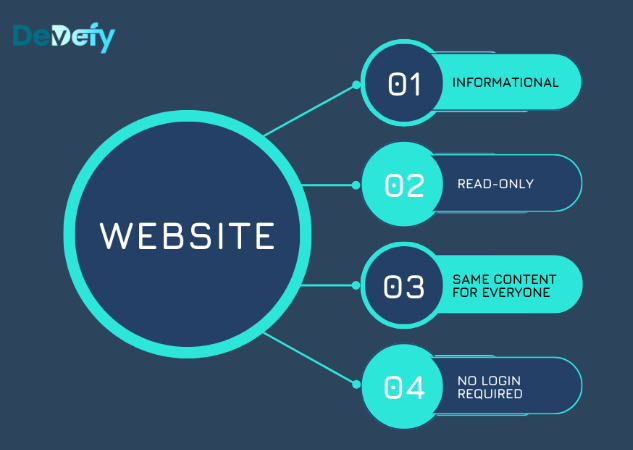
A website is a collection of interconnected pages accessed through a web address (URL). Its primary purpose is to share information. 

Most users interact with websites passively. They land on a page, read content, click links, and leave. Think of a website as a digital brochure or information hub. 

Common Types of Websites

Websites are best suited for presenting fixed or semi-static content, such as:

1. Informational Websites

News platforms, company pages, or educational sites that deliver content without user interaction.

2. Blogs

Regularly updated articles, but interaction is limited to reading or commenting.

3. Portfolio Websites

Used by designers, writers, and creatives to showcase work and skills.

4. Corporate Websites

Pages like “About Us,” “Services,” and “Contact,” designed to establish credibility.

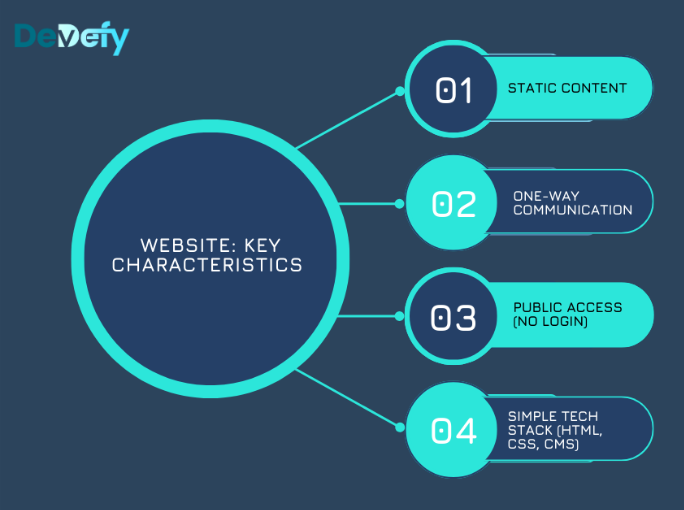
Key Characteristics of a Website

1. Static Content

Every visitor sees the same content unless it’s manually updated.

2. Minimal Interaction

Users mainly read, browse, or submit simple forms.

3. No Login Required

Content is generally public and accessible without authentication.

4. Simple Technology Stack

Built with HTML, CSS, and often a CMS like WordPress.

Why Your Business Needs a Website

1. Establish Credibility

A professional website validates your business presence.

2. Centralize Information

Customers can easily find your services, contact details, and brand story.

3. Support SEO

Websites are essential for ranking on Google and attracting organic traffic.

What Is a Web Application?

A web application (web app) is an interactive, task-driven platform that allows users to input, process, and manage data online similar to software you’d normally install on your computer, but accessed through a browser. 

Unlike websites, web apps are built for action, personalization, and automation. 

Common Types of Web Apps

1. E-commerce Platforms

Online stores with user accounts, carts, and payment processing.

2. Social Media Platforms 

Personalized feeds, profiles, messaging, and interactions. Examples include the online versions of InstagramFacebookMeetup and more.

3. Productivity Tools

Tools like Google Docs, Trello, or financial dashboards. 

4. Customer Portals

Secure dashboards for banking, shipping, insurance, or internal systems.

Key Characteristics of a Web App

1. Dynamic Content

Content updates instantly based on user actions.

2. Two-Way Interaction

Users create, modify, and save data in real time.

3. Authentication Required

Logins are essential to protect personal and sensitive data.

4. Advanced Technology Stack

Uses frameworks like React or Angular, back-end logic, APIs, and databases.

Why Your Business Needs a Web App

1. Enable Complex Tasks

Calculations, workflows, data processing, or document creation.

2. Offer Personalization

Each user sees a customized, secure experience.

3. Automate Operations

Streamline internal processes like inventory, CRM, or reporting.

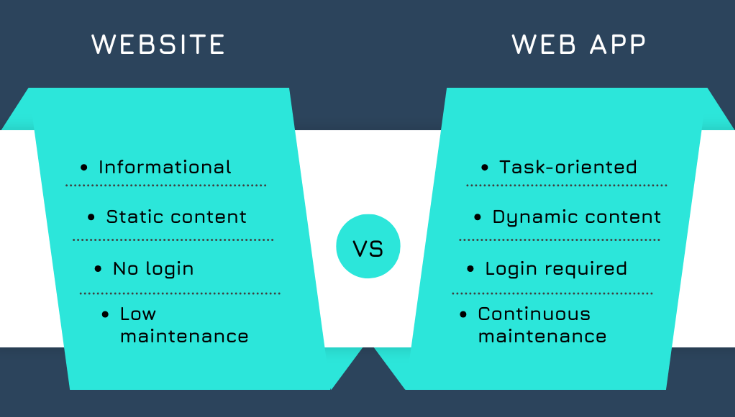
Website vs Web App: Key Differences at a Glance

Aspect 

Website 

Web App 

Interactivity 

Low, read-only 

High, two-way interaction 

Functionality 

Informational 

Task-based, data-driven 

Personalization 

None 

User-specific 

Authentication 

Not required 

Required 

Technology 

HTML, CSS, CMS 

Frontend frameworks, backend, databases 

Maintenance 

Minimal 

Continuous 

Best For 

Visibility & content 

Operations & user engagement 

Which One Is Right for Your Business?

The right choice depends on your goals, users, and budget.

Choose a Website If:

  • Your goal is to share information 
  • You need online visibility and SEO 
  • Your budget is limited 
  • Users don’t need accounts or dashboards 

Example: Company websites, blogs, landing pages.

Choose a Web App If:

  • Users need to perform actions 
  • You require logins, data storage, or payments 
  • Personalization is essential 
  • You’re building a long-term digital product 

Example: SaaS platforms, marketplaces, internal tools. Note that for a SaaS product, you will likely have both a web application and a website. This brings us to our next point… 

Can You Have Both?

Yes and many successful businesses do. 

A common approach is: 

  • Website for marketing, SEO, and lead generation 
  • Web App for logged-in users and core functionality 

This hybrid model ensures you attract users effectively while delivering powerful digital experiences.

Takeaway

Understanding the difference between a website and a web application is the first step toward building the right digital solution. Choosing incorrectly can lead to unnecessary costs, limited scalability, or poor user experiences. 

At DevDefy, we help businesses make the right call from day one. Whether you need a sleek, SEO-focused website or a robust, secure web application, we ensure your investment aligns with your business goals not just trends. 

Ready to build the right digital foundation? 

Get in touch with DevDefy today and let’s turn your idea into a solution that works. 

Frequently Asked Questions (FAQs):

What is the difference between a web app and a website?

A website shares static information (like a brochure), while a web application enables users to perform dynamic tasks and manage data (like a tool).

Can a website become a web application?

Yes, and this often requires a major overhaul and the addition of complex back-end logic, databases, and user authentication systems.

At DevDefy, we have extensive experience handling these transitions and can help you upgrade your website into a fully functional web application with minimal disruption.  

SHARE ME!

MORE ARTICLES